Scan. Analyse. Report.
Stocktaking made simple.
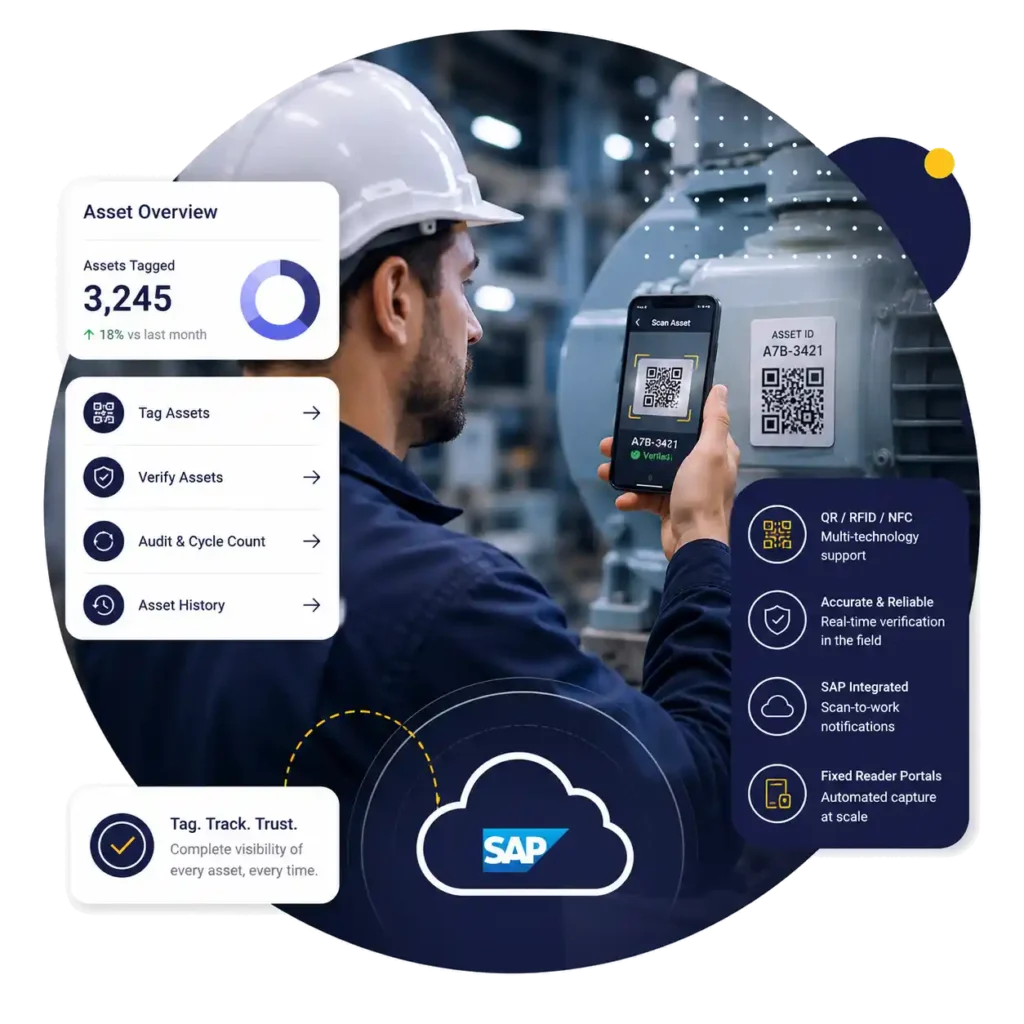
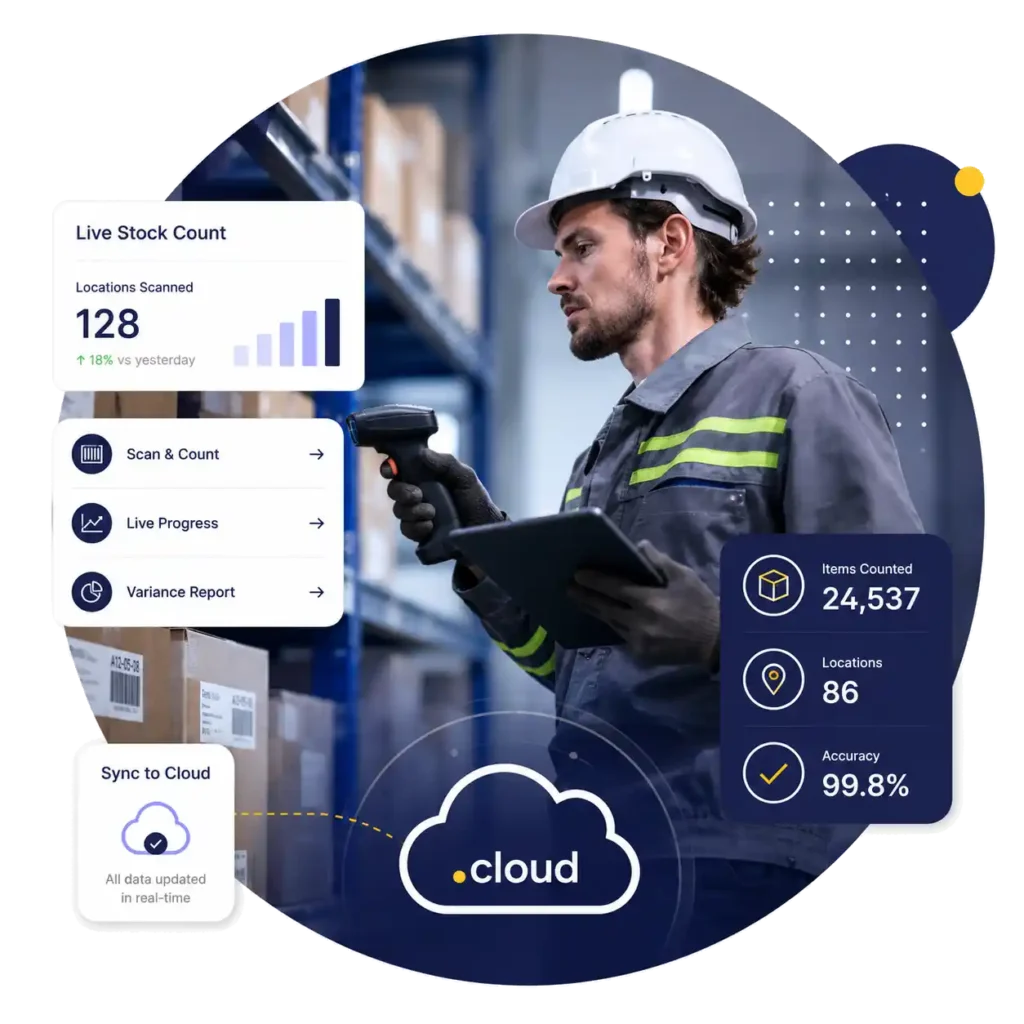
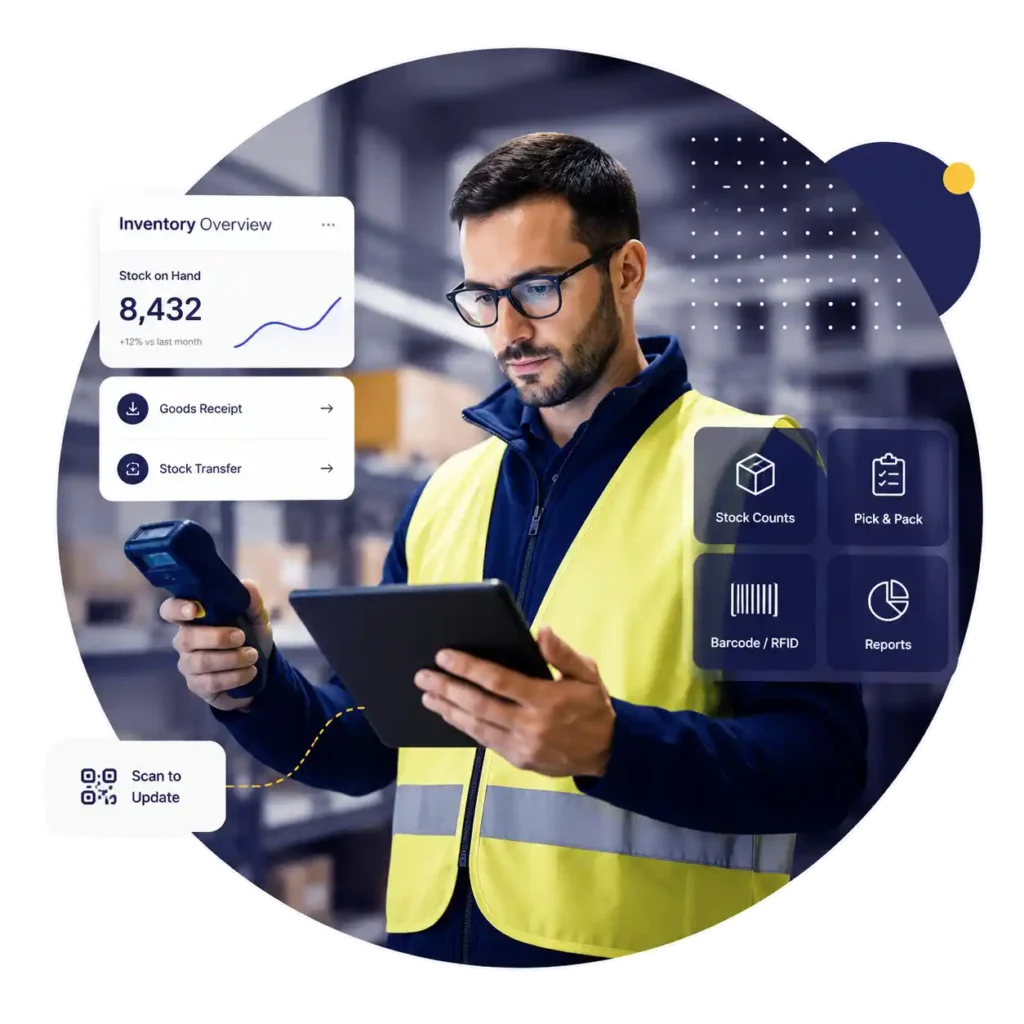
Count My Stock is an integrated, cloud-based stocktaking solution. Wireless scanning uploads directly to the cloud for live progress and variance reporting — with seamless integration into Sage Pastel, Evolution and most ERP systems.
Stocktake · Main Warehouse
A smarter way to count stock
Count My Stock moves the entire stocktake into the cloud — reducing paperwork, resources and errors while saving time and money.
Scan directly into the cloud
Eliminate physical data capturing. Wireless scanning transfers all data instantly for live uploading and reporting.
Seamless ERP integration
Completely independent — integrates with Sage Pastel, Evolution and most financial and ERP software systems.
Live dashboard
Online progress tracking gives management full visibility and transparency of the stocktake while it's happening.
Online variance reporting
Instant access to progress and variance reports. Sort and filter your data online for multiple views of your results.
Multiple bin locations
Automatic consolidation and traceability of items held across multiple bin locations.
Full audit trails
A complete audit trail of every scanned and manual transaction, giving you total confidence in your numbers.
Faster, leaner counts
Fast, accurate counting with fewer staff — lowering the overall cost of every stocktake you run.
Minimal capital outlay
A state-of-the-art stocktake solution with minimal up-front investment, available on credits or licence.
Wireless data transfer
Instant wireless integration of stocktake data — no docking stations, no manual exports.
From setup to finalised stocktake
Count My Stock moves the entire stocktake into the cloud — reducing paperwork, resources and errors while saving time and money.
Create a demo or licence account on countmystock.com. Each stocktake uses a minimum of five credits, enabling up to five devices active at once.
The setup wizard guides you through naming the count, choosing the shop, defining locations, and assigning the staff who'll be scanning.
The Count My Stock integrator uploads all relevant stocktake information into the cloud, so your staff are ready to count in minutes.
Scan barcoded items to record stock and location. Built-in features include training mode, flagged items, speech, and roll-back to fix a miscount.
Continuous uploading gives management real-time progress and variance reports. Sort and filter online to investigate and resolve variances.
Once counts are concluded and variance checking is complete, all stocktake data integrates back into your ERP system to finalise the stocktake.
Use your scanners, or rent ours
Most wireless-enabled handheld scanners running Windows CE or Android are compatible with the CMS cloud solution, and most Wi-Fi networks or MiFi 3G/LTE modems are sufficient.
No compatible kit? Count My Stock offers a holistic, tailor-made solution — Motorola handheld scanners and MiFi modems available to rent or buy, with a one-year, no-hassle replacement policy on purchased scanners.
- Windows CE handheld scanners
- Android OS handheld scanners
- Wi-Fi / MiFi 3G / LTE connectivity
- Scanner & modem rental options
- Integrates with most ERP systems
Automated integration from Sage Pastel Partner through to Sage Evolution — Count My Stock streamlines the event and increases the financial accuracy of your results.
Make your next stock take simple
Get in touch about Count My Stock remuneration packages, VARS agreements, rentals and licensing options.